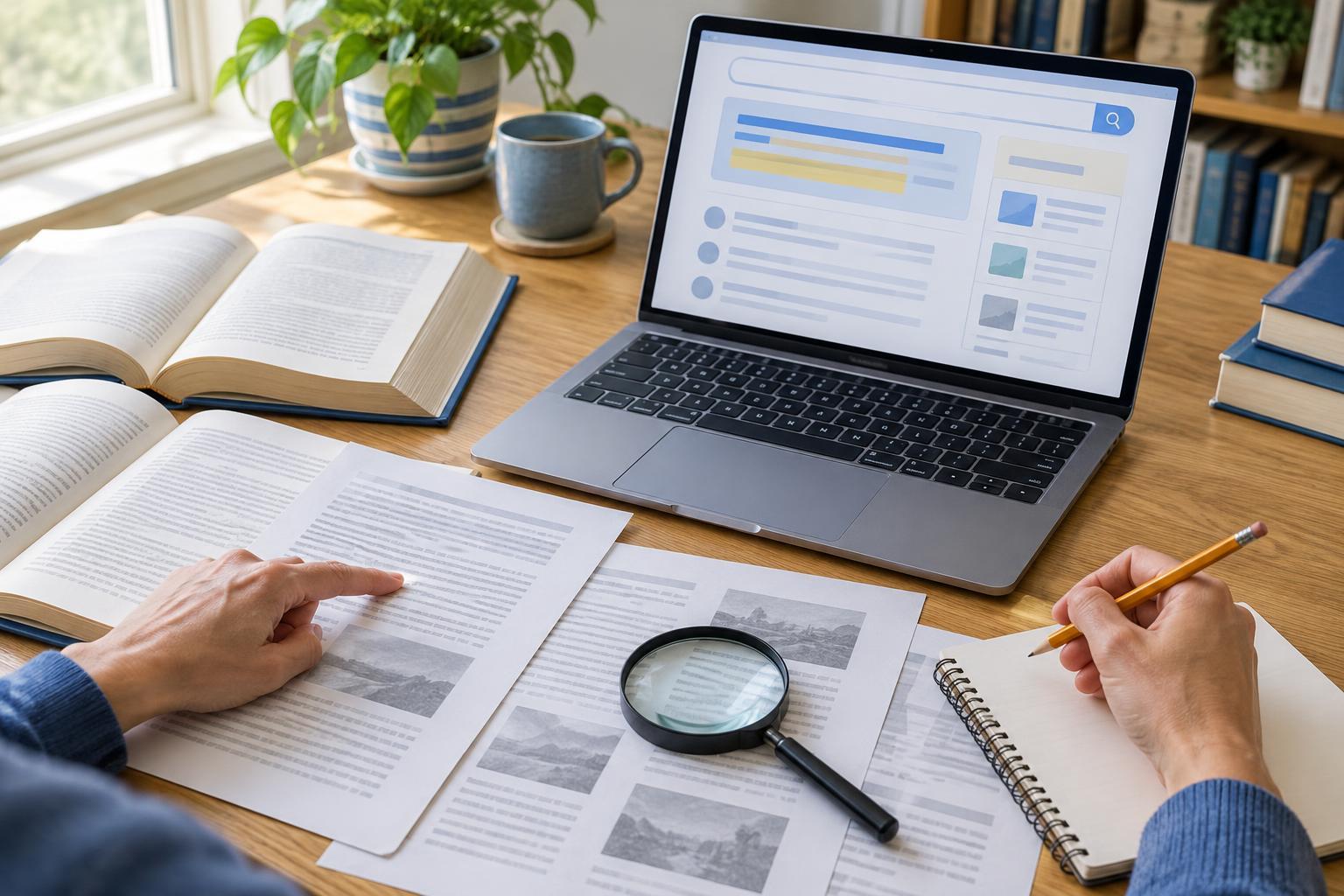
Start with a question, not just an old link
Web archives preserve snapshots, often called captures, of pages as they appeared when an archiving service visited them. They can be useful when a page has disappeared or when you want to understand how its wording changed. Before searching, write down the question you are trying to answer. “Did this guide once recommend a different approach?” is more useful than “What did this site look like?” A narrow question helps you decide which versions to compare and which details matter.
Keep the page’s current address, its title if known, and any distinctive phrase you remember. If you have a link from an old email or document, preserve it exactly before trying to open it. Small URL differences can matter: a page with a trailing slash, a different subdomain, or an older file extension may have its own capture history. Treat the archive as a collection of saved views, not as a complete record of everything a site ever published.
Find the most relevant captures
Enter the page address into a web archive’s search field and look for a calendar or list of available captures. If nothing appears, try the site’s broader address, an alternate version with or without “www,” or a URL you find in an older internal link. A site redesign may have changed the address while leaving the topic intact. Searching for the page title or a distinctive sentence may help you identify another address to check.
Choose captures that bracket the period you care about: one before a suspected change and one after it. Open several nearby captures rather than relying on the first result. A snapshot marked with a particular date shows what the archive retrieved during that visit; it does not necessarily tell you when the author wrote or updated the material. If captures are months apart, a change you observe could have happened at any point between them.
Compare the page with care
Read the archived page as a document, then compare its relevant section with another capture or the live page. Look beyond the headline. Check headings, definitions, examples, download links, and the wording around any claim you are investigating. If the change is subtle, copy the relevant passages into a private note, label each with its capture date and address, and compare them side by side. Keep enough surrounding text to avoid making a sentence seem more definite than it was.
Be alert to mixed or incomplete pages. An archive may save the main text but fail to load images, scripts, menus, or files hosted elsewhere. Sometimes an old-looking page displays a newer image or embedded item because that resource was captured separately. A broken button does not prove the button was broken on the original site. For an important detail, check nearby captures and, where possible, open the archived address of the linked resource itself.
Separate observations from conclusions
Describe what you can see before explaining what it might mean. For example, you might note that one capture contains a paragraph absent from a later capture. That observation supports a comparison of the two saved versions, but it does not by itself explain why the paragraph disappeared. The site owner might have edited the page, moved the text, changed the page template, or published a different version at another address.
Archived pages can also lack context. A notice on a homepage may have explained a temporary change, while the page you are viewing shows only the affected content. If your question depends on the meaning of a revision, check related pages such as an introduction, update note, or frequently asked questions page from roughly the same period. When evidence remains thin, say so. “The available captures show” is more accurate than “The site always said.”
Keep a record you can revisit
For each useful capture, save the original page address, the archive’s capture link, the displayed capture date, and a short note about what you observed. Record the date on which you checked it, too. If you make a comparison, list the exact versions involved rather than referring vaguely to “the old page.” A simple note might state: “Earlier capture includes a three-step checklist; later capture has a five-step checklist and different examples.”
Finish by asking whether the archived evidence answers your original question. If it does, summarize the finding with its limits. If it does not, note what is missing, such as captures from a key period or a downloadable file that was not preserved. That is still a useful research result. A careful archive check gives you a clearer account of what survives, what changed between visible versions, and what you cannot confidently infer.